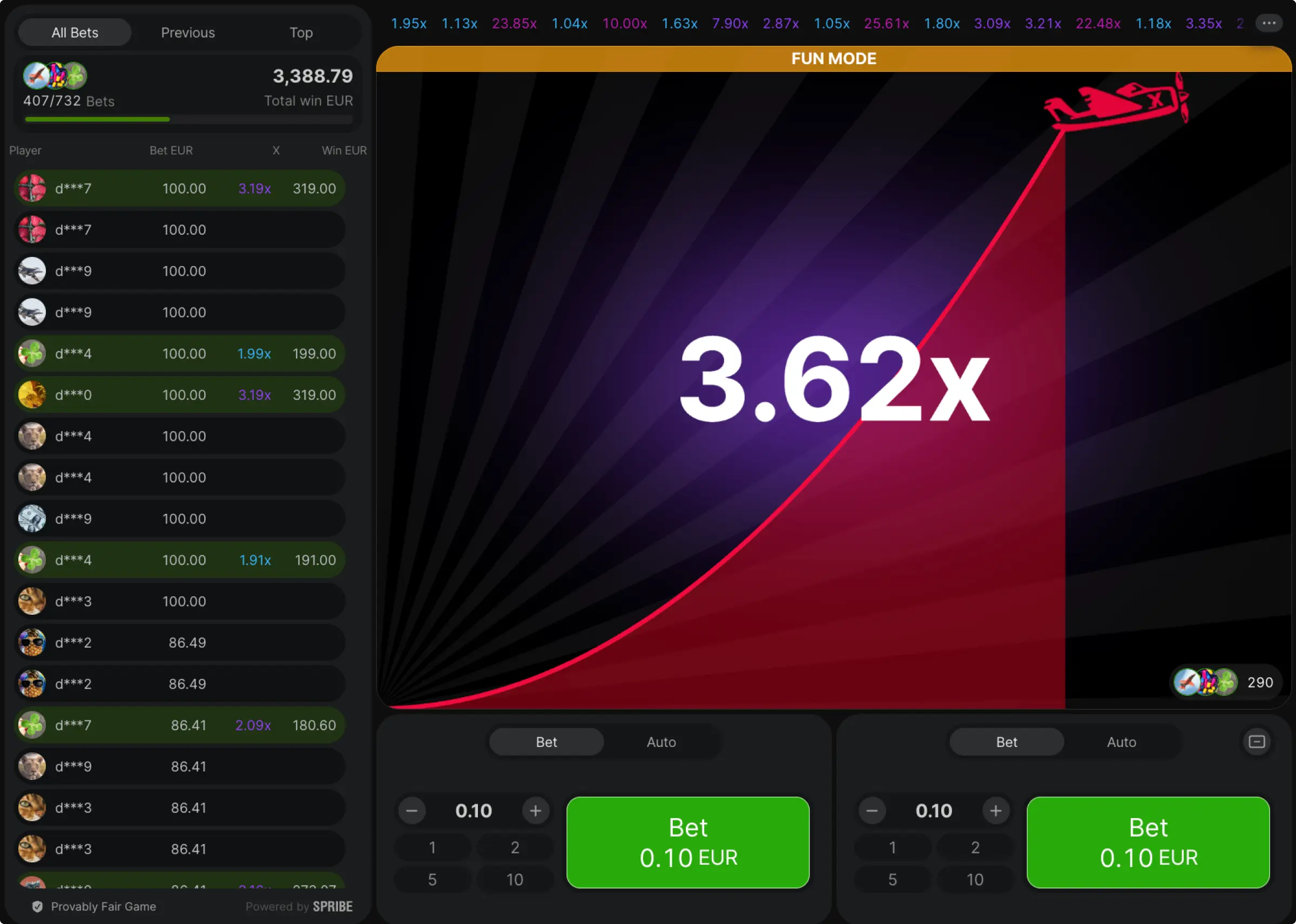
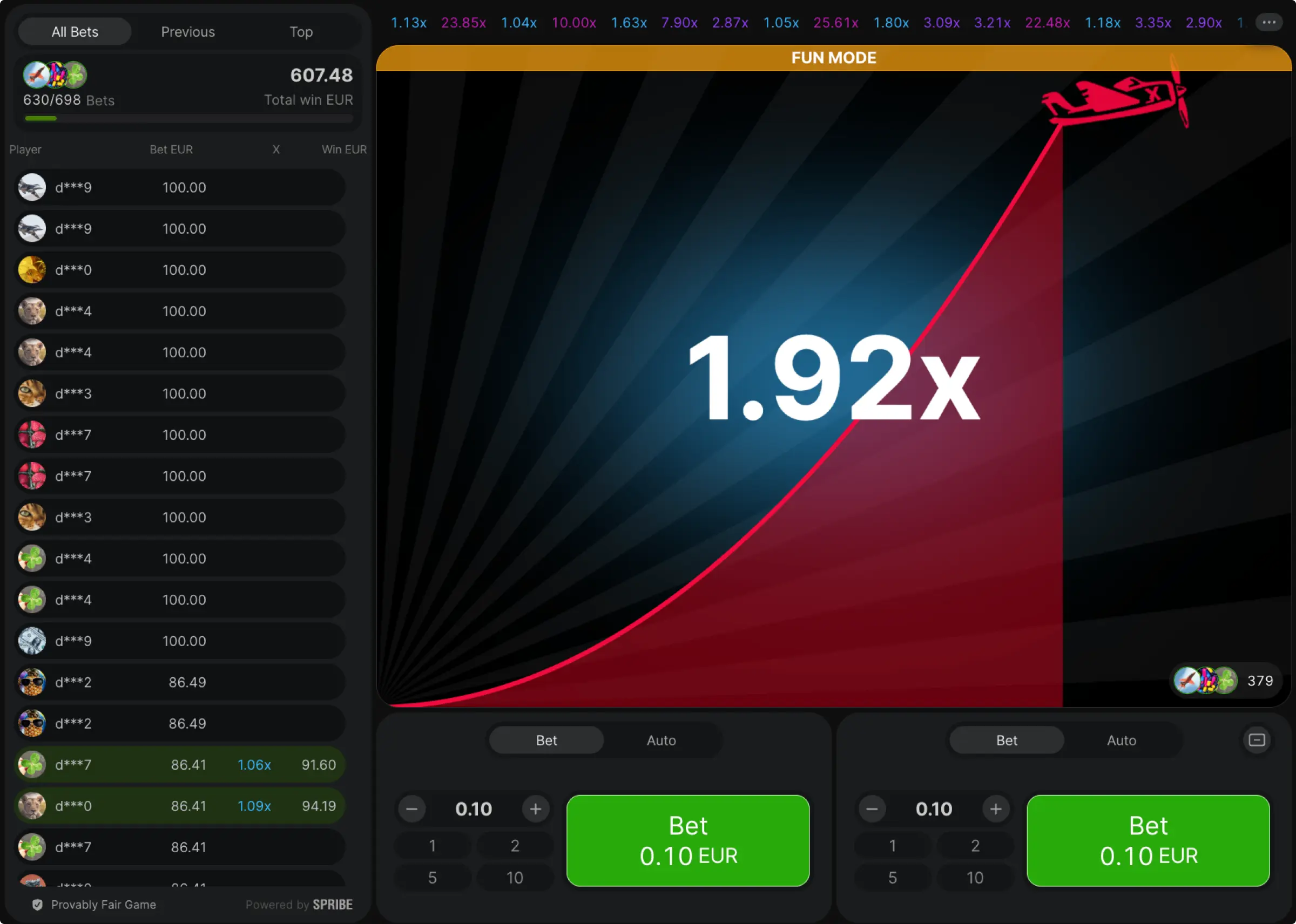
What Is Aviator Predictor?
In plain words, “Aviator prediction” tools are dashboards that try to guide your timing and bankroll, not the outcome. The good ones help you pick an Auto Cash Out band; set a manual ceiling, choose a two-bet split, and keep a KES budget. The bad ones promise exact multipliers; those are not real.
How Aviator Game Prediction Works
Aviator results are produced server-side using cryptography; nobody can read the next crash point. So “prediction” here means planning; using recent pace and simple maths to keep exits modest.
Analysing Patterns And Trends
Recent results show tempo, not the future. If the board has lots of low crashes, keep your main auto near 1.40–1.60×, trim the manual bet target; do not raise stakes.
Utilising Formulas And Algorithms
Lightweight formulas can keep risk steady, for instance, tiny fixed fractions of bankroll per round, or a suggested two-bet split like 60/40 with the main leg auto at 1.50×. That is all an honest Aviator prediction software should do: guide discipline.
How To Use Aviator Predictor?
Think of the Aviator predictor as your pre-flight checklist; it doesn’t guess the next crash, it helps you lock rules you’ll actually follow:
- Set Bankroll (KES): fixed for a day or week; no top-ups.
- Stake Size: 1–2% per round; e.g., KES 2,000 weekly ⇒ KES 20–40.
- Auto Band: start 1.40–1.60×; pick one number; keep it all session.
- Manual Ceiling: ≤ 1.90–2.10×; if you keep missing, drop by 0.20×.
- Two-Bet Split: 60/40 or 70/30 (main auto safe; tiny manual); do not change mid-session.
- Time Box: 25–45 minutes or 150–200 rounds; set a phone timer.
- Stops: stop-loss KES 400; stop-win KES 300; hit either, close the app.
- 50-Round Review: check auto hit rate; manual success; any rule breaks; if nerves spike, halve stakes.
Aviator Predictor APK For Android
There is no official Spribe Aviator predictor APK. Most APKs that say “predictor” are timers, overlays, or worse. If you still want a phone tool, use our predictor online in your browser; it does not ask for logins and acts as a planner.
Download And Install
If you insist on Android:
- Prefer Google Play apps that clearly say “planner” or “bankroll tool”.
- Avoid unknown Aviator predictor APK sites; never allow broad permissions.
- Do not store passwords or deposit through any “predictor” app.
- Better, add our web predictor to the Home Screen in Chrome; Menu → Add to Home screen.
Aviator Predictor App For iOS
Apple is strict; most “predictor” apps do not pass review. Use our Aviator predictor app in the browser instead; it works like a lightweight PWA.
Download And Install
- Open Safari, go to the predictor page, tap Share → Add to Home Screen.
- Use it as a planner; set KES stakes, auto band, manual cap, and session timer.
Aviator Predictor For PC
You do not need an installer. Use the online predictor in your browser on Windows or Mac; create a shortcut on your desktop, and you are done.
Download And Install
- Open the predictor page in Chrome, Menu → Create shortcut….
- Keep your notes in a simple CSV, not inside random EXE tools.
Aviator Predictor By AI
You will see “Aviator game predictor by AI” claims. AI can tidy a plan; it cannot read server seeds. Use AI as a coach, not an oracle; ask it for KES-based routines, stake sizing, and review checklists. Ignore any “guaranteed next round” talk.
Are Aviator Predictors Accurate And Safe?
Accurate at planning, not predicting. Safe if they are web-based, light on permissions, no logins, no payments. Red flags: promises of exact multipliers; requests for deposits or remote access; “VIP predictions” for a fee; Aviator predictor APK from unknown mirrors.
Conclusion
After a week of sessions on Kenya-facing sites, our view is simple: a good Aviator predictor is just a planner. It won’t see the next crash; it helps you stick to the numbers you chose before takeoff.
- What actually helped: small KES stakes (1–2%/round), autos parked in 1.40–1.60× (we settled on 1.50× most nights), a tiny manual cap (≤1.90–2.00×), and short, timed sessions. With that lane, we made fewer last-second mistakes and didn’t chase.
- How to use our online tool: set your weekly bankroll, enter stake size, choose your auto number, set a manual ceiling, and add stop-loss/stop-win. Save the plan; play it unchanged. After 50 rounds, adjust the manual cap by ±0.20× only if you missed a lot or felt rushed.
- Main bet vs second bet: keep the main bet safe (auto), keep the second bet tiny. Autoplay handles discipline; you just tap the small manual exit when the climb is smooth. If nerves spike, halve stakes—don’t raise targets.